Write a note, tick off a list, draw a quick sketch or add a photo. Nota keeps all of it on your device, with no account and no server.
Launching soon. Nota is free, with no ads, no in-app purchases and no subscription.


A note can hold any mix of them, and there are a few ways to keep notes organised and find them again.
Headings, bold, italic, underline and strikethrough, lists, quotes, code blocks, links and dividers.
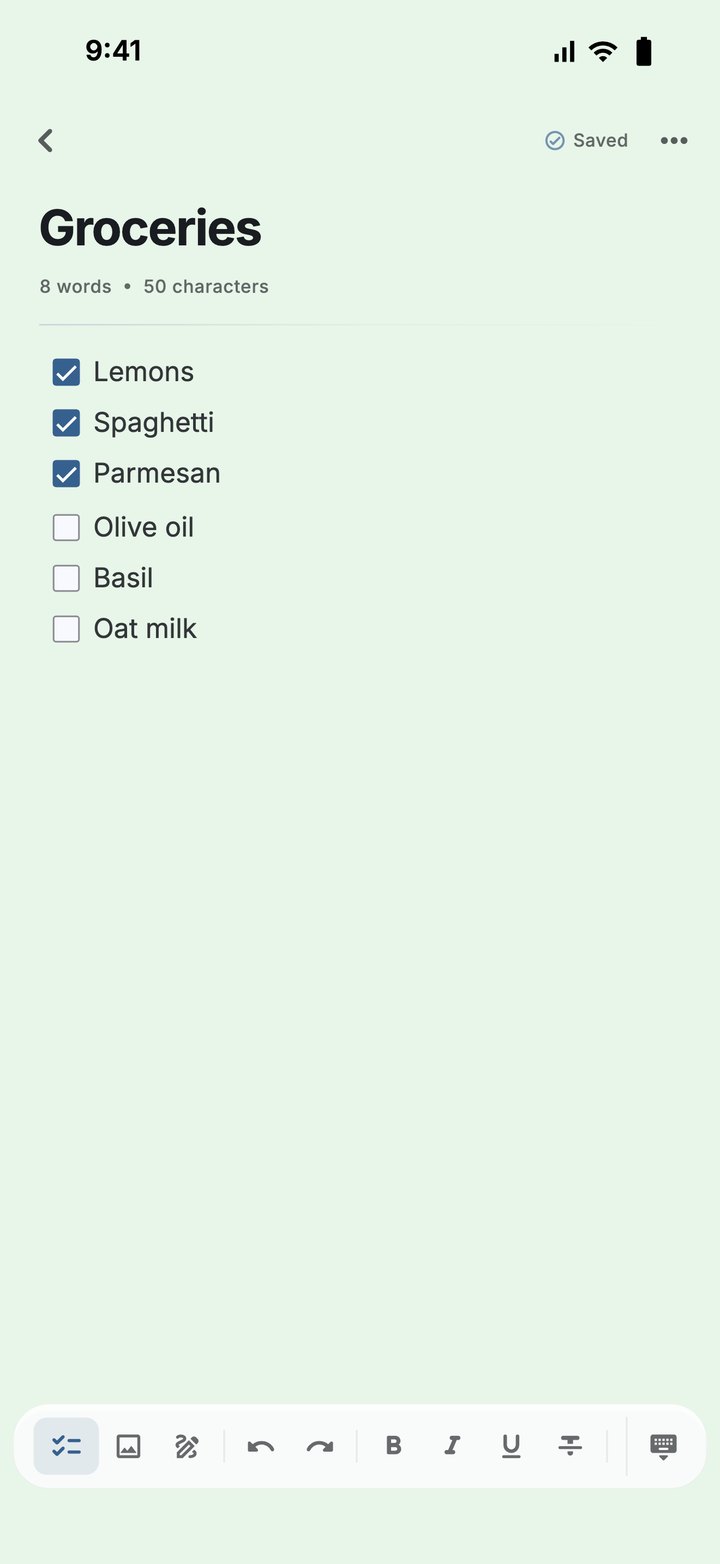
Tick items off as you go. A count shows how many are done.
Draw inside a note with a pen, pencil, highlighter and eraser. Pick a colour and stroke width, and undo or redo.
Add a photo from your library, or take one with the camera.
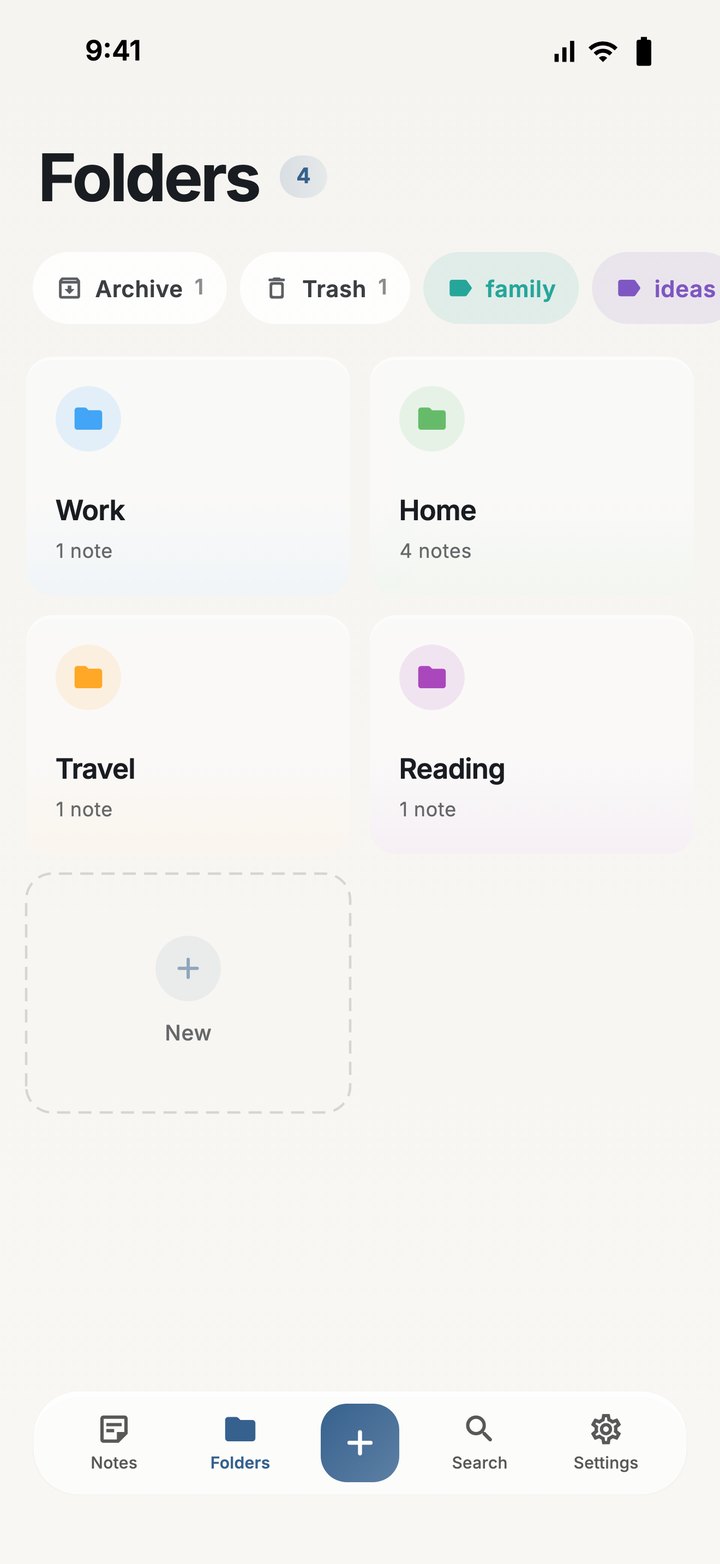
Sort notes into folders, label them with coloured tags, and pin the ones you need to the top.
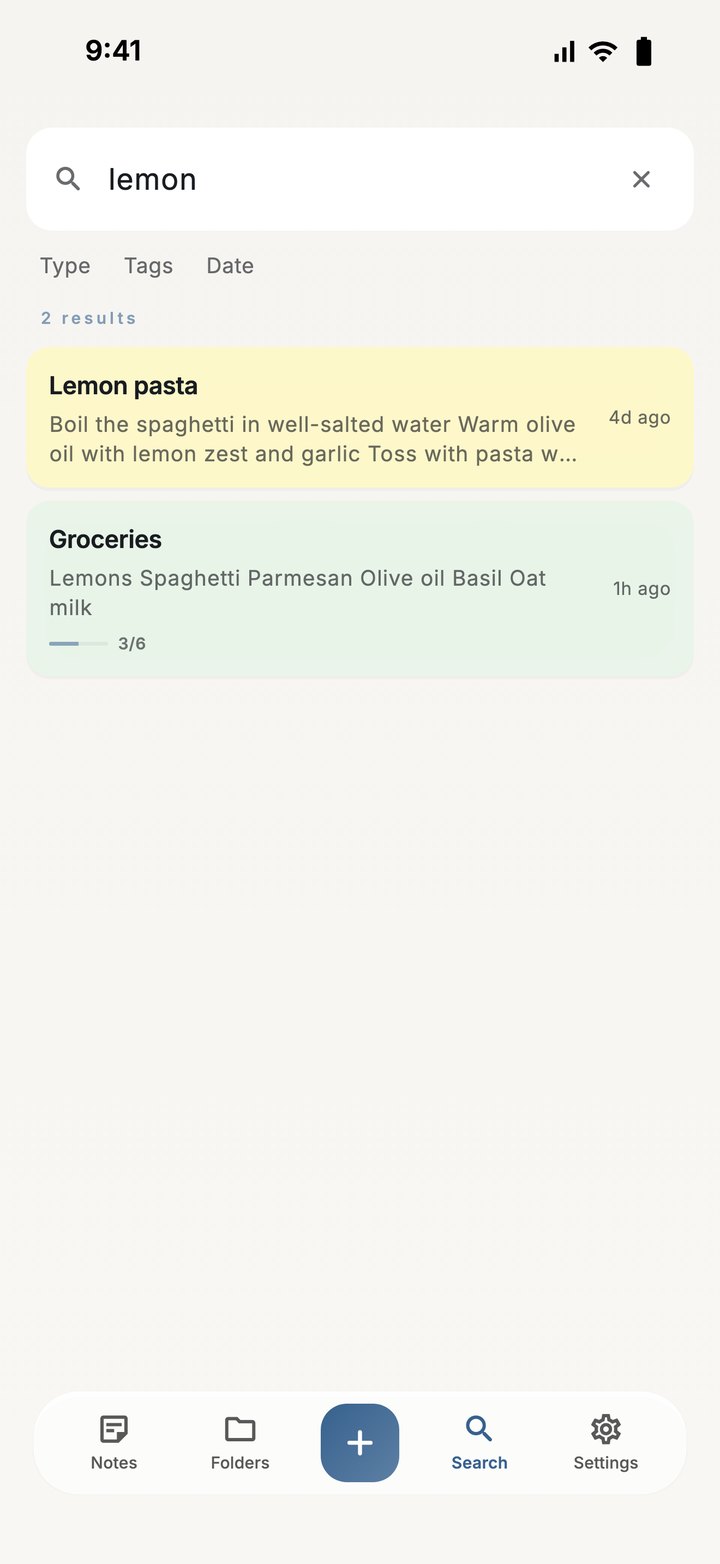
Search across all your notes, and filter by type, tags and date.
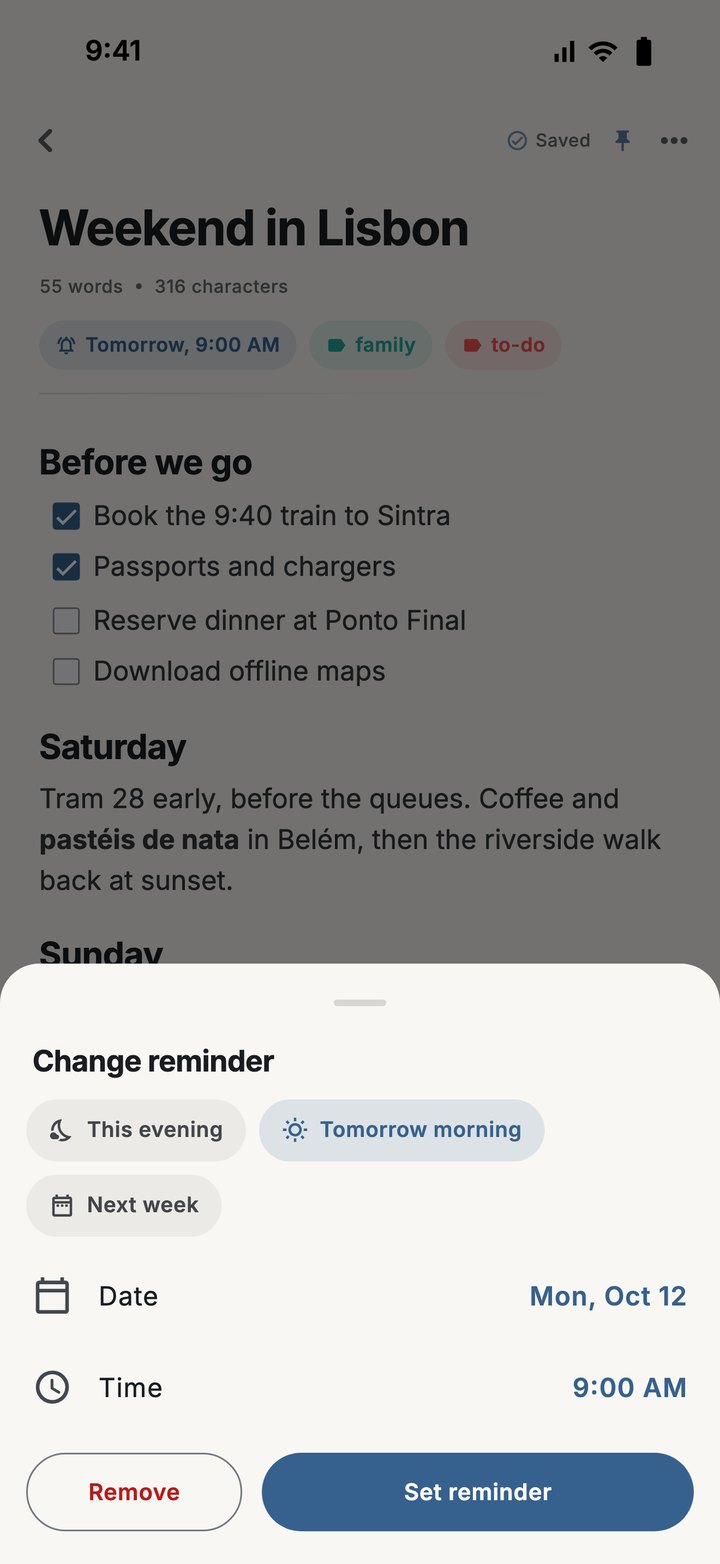
Set a reminder on any note and get a notification at the time you pick.
Keep a note behind Face ID, your fingerprint or the device passcode.
Real screens from Nota. Swipe to see them all.

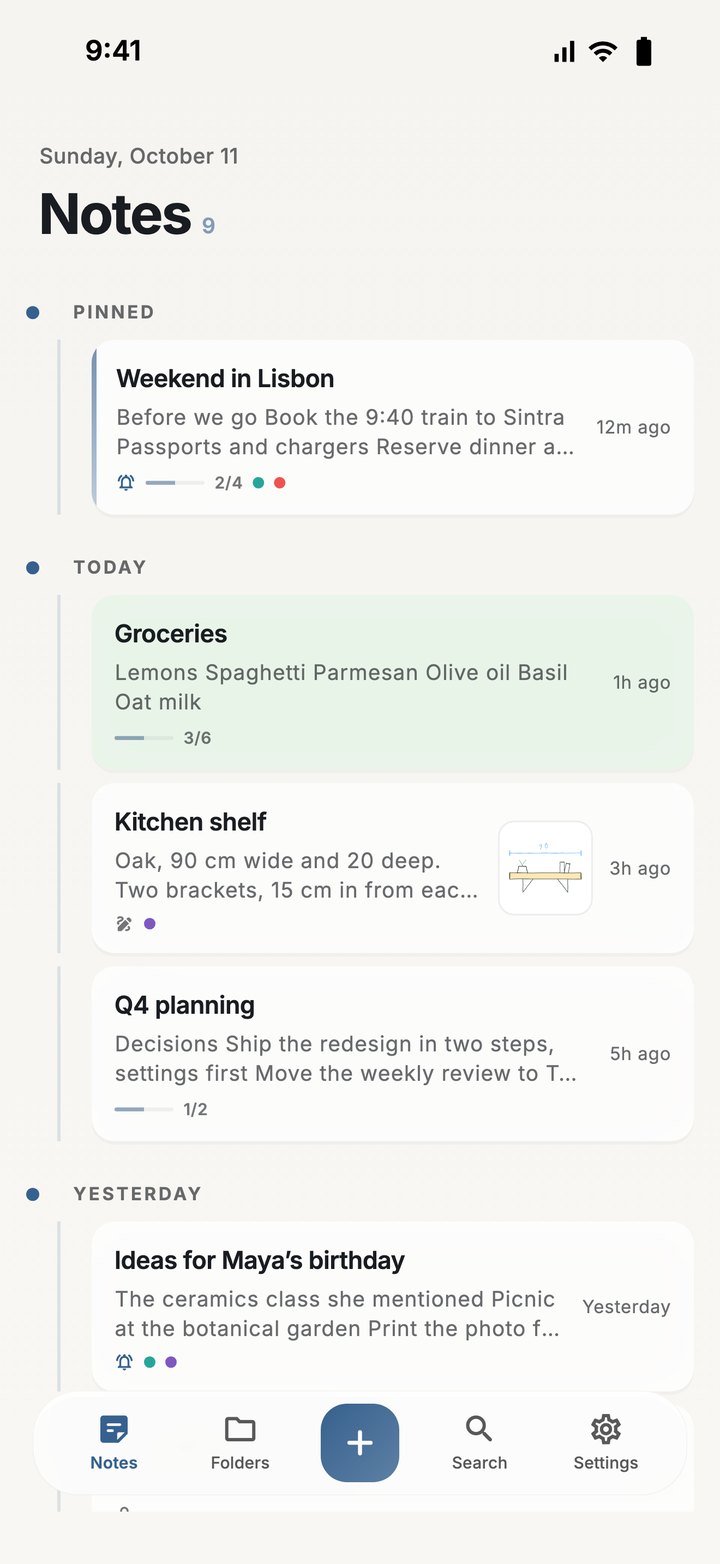
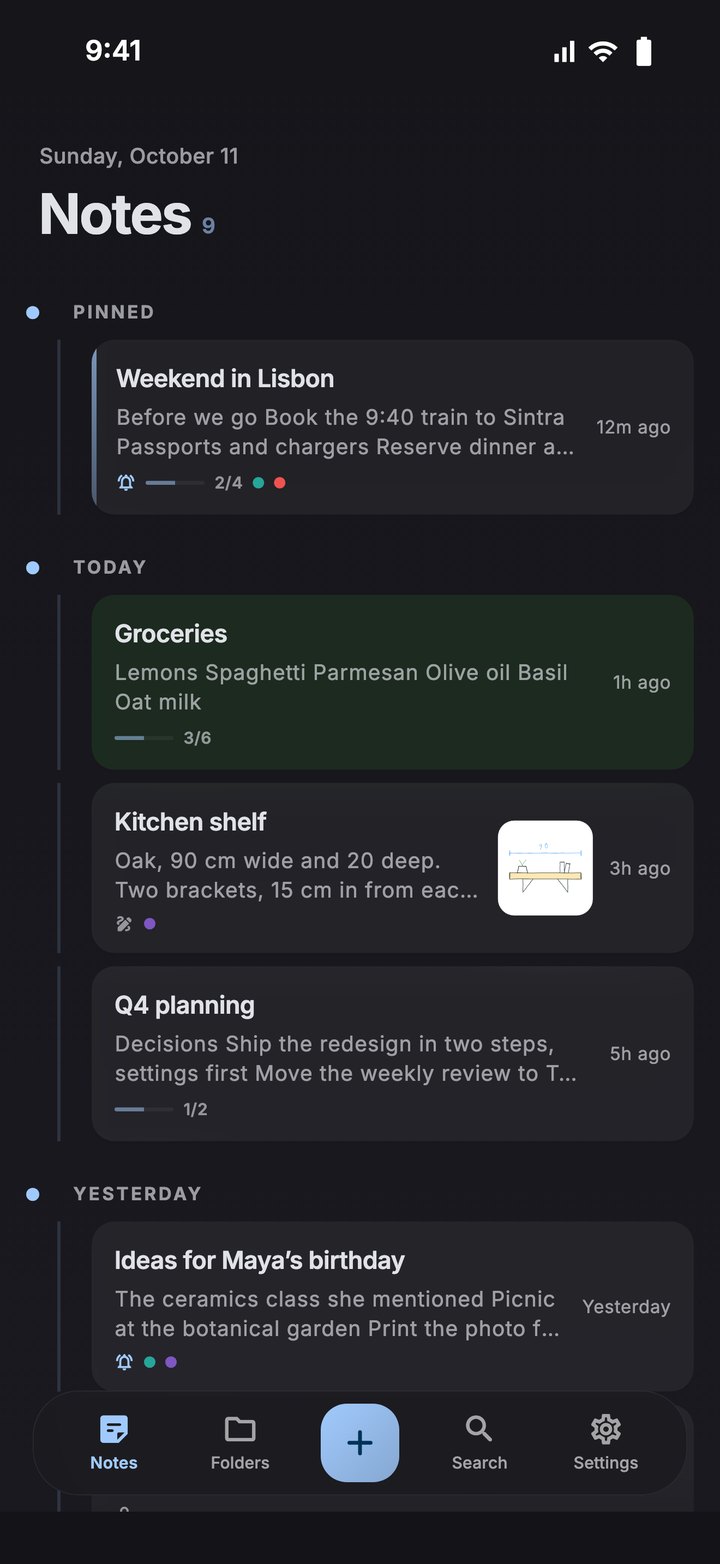
Notes grouped by day, with pinned notes at the top.

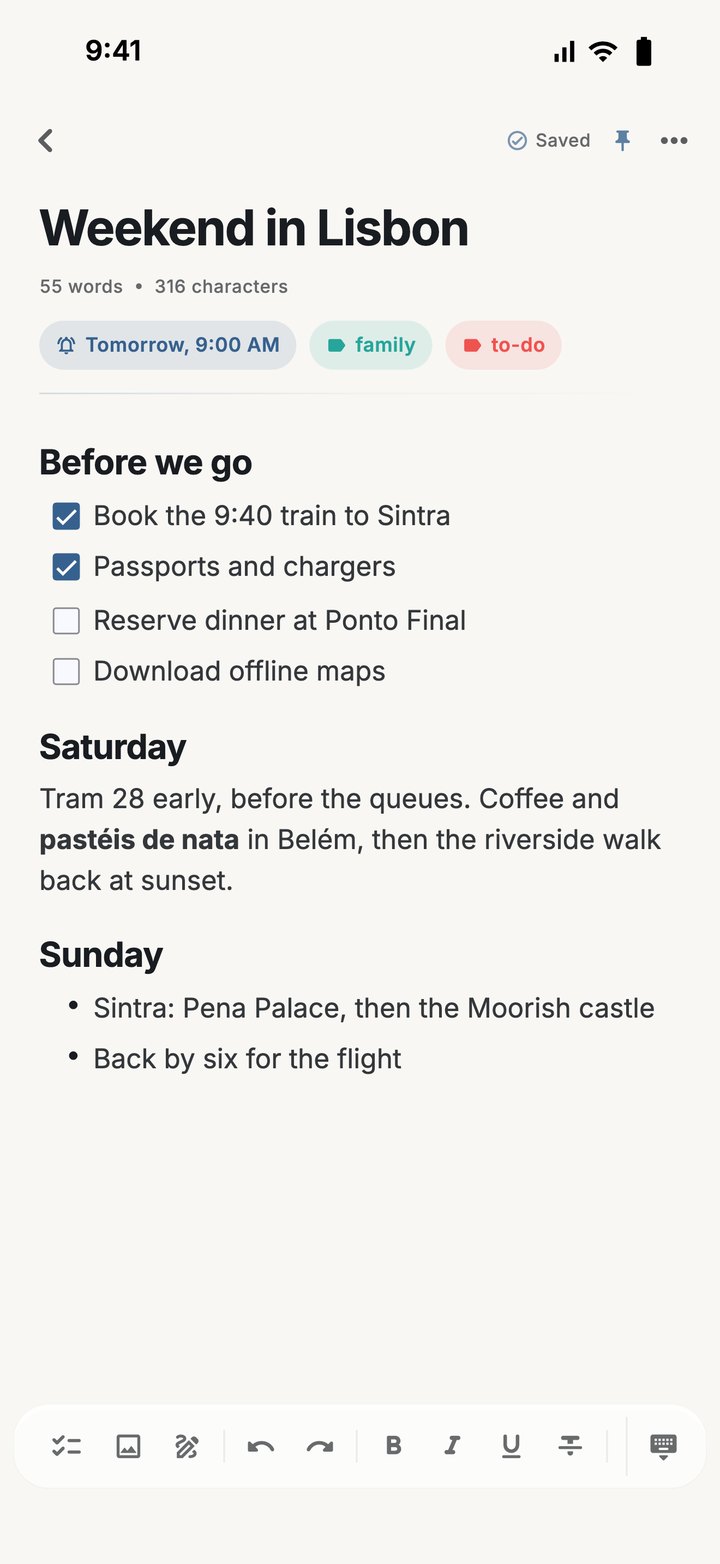
Headings, a checklist and a list in one note, with its tags and reminder shown under the title.

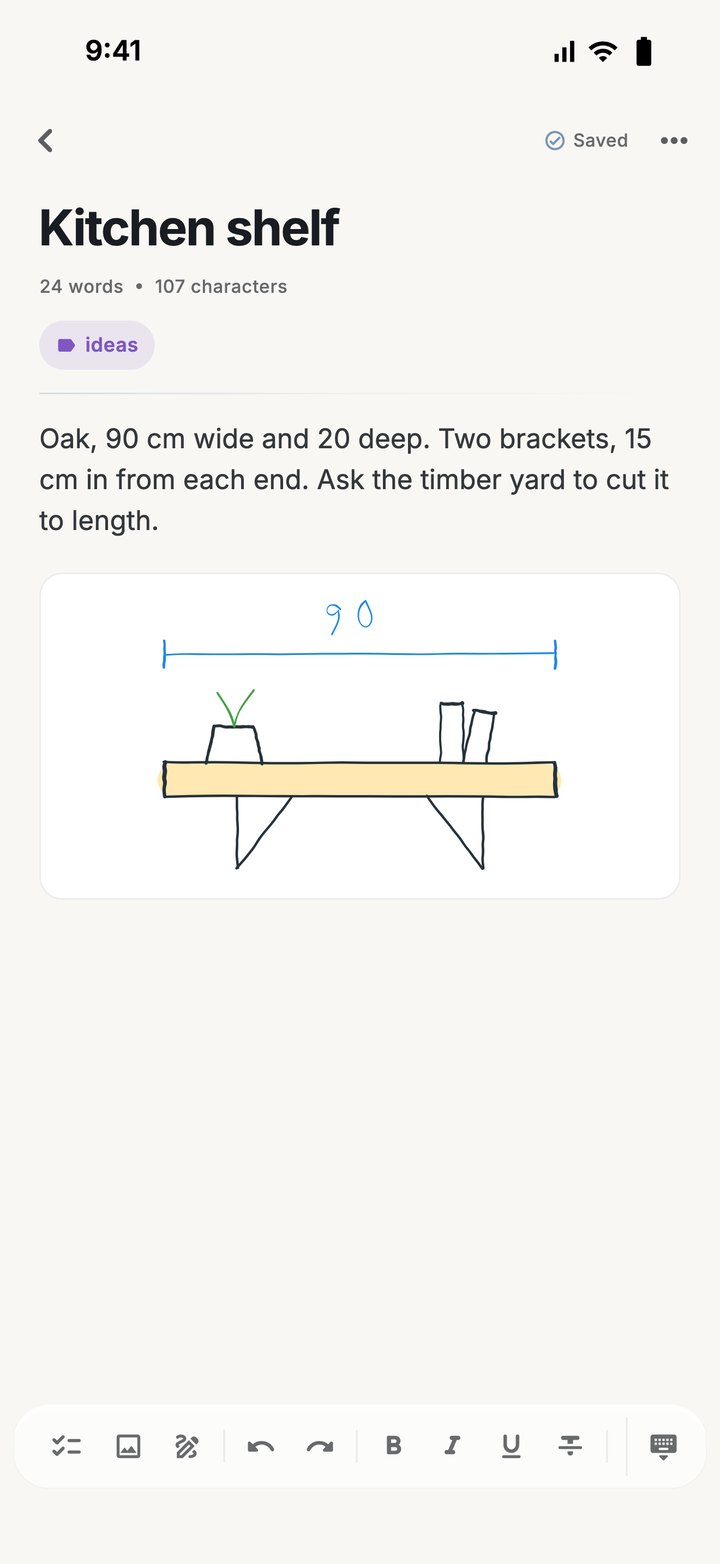
A drawing sits in the note next to the text it belongs to.

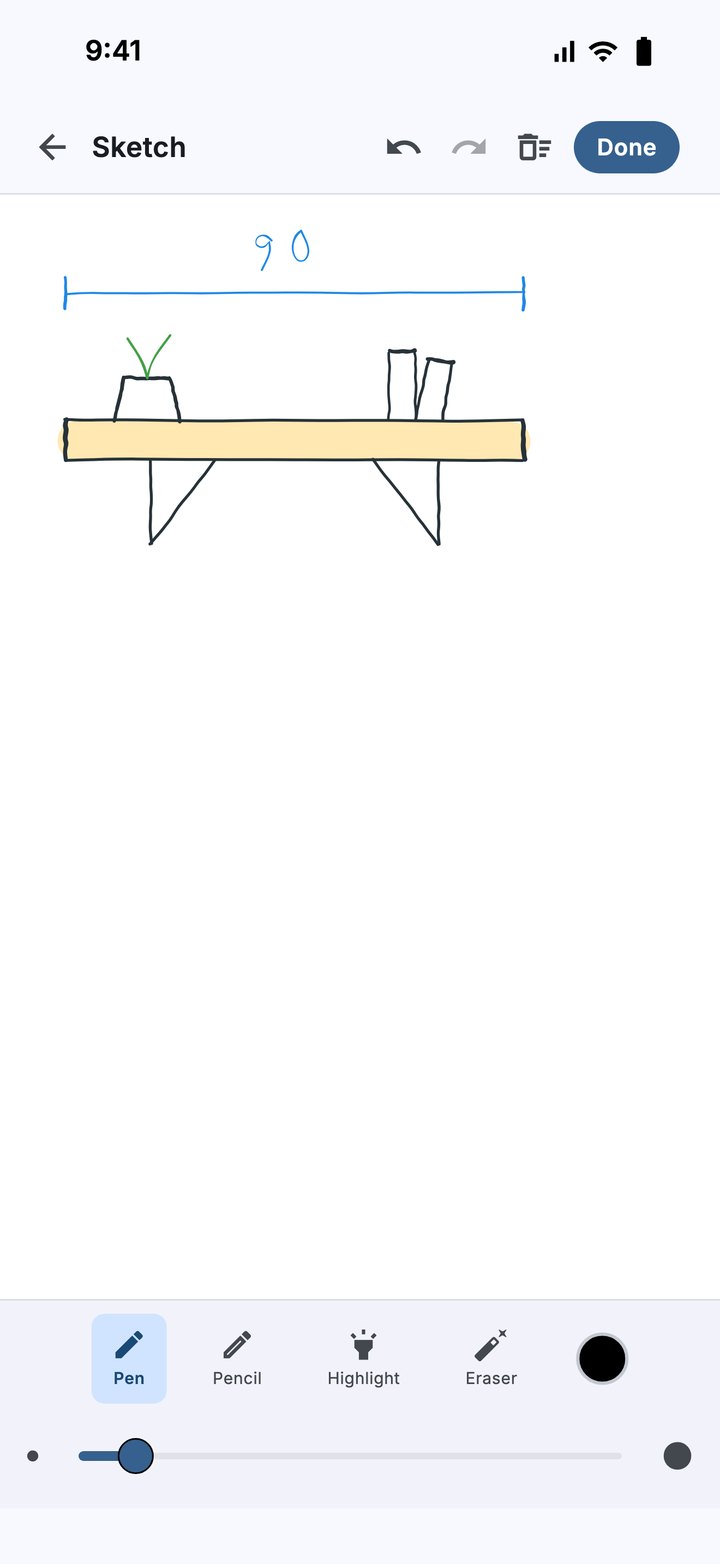
Pen, pencil, highlighter and eraser, with a width slider and undo and redo.

A shopping list on a green note background, half ticked off.

Folders, tags, Archive and Trash on one tab.

Type a word to find it in any note, then narrow by type, tags or date.

Pick a quick time or set your own date and time.

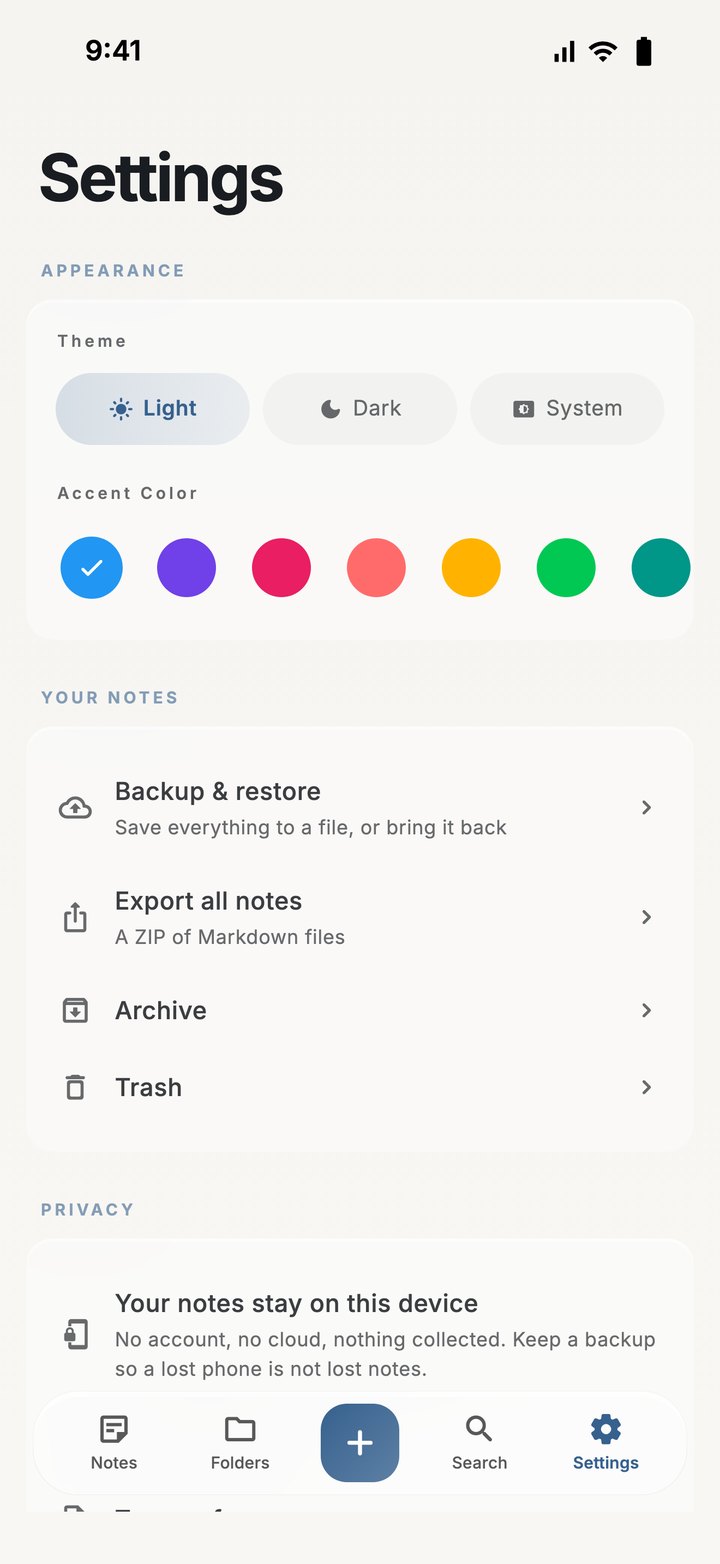
Theme, accent colour, backup and export.

The same home screen with the dark theme on.
Because your notes exist only on your device, Nota gives you ways to recover them, back them up and take them elsewhere.
When you edit a note, its previous text is kept. Open the history to read an earlier version or restore it.
Archive notes you are done with. Deleted notes stay in the trash for 30 days before they are removed.
Save everything to a single file, keep it wherever you like, and restore from it on this device or another one.
Share a note as text, PDF or Markdown. Export all your notes as a ZIP of Markdown files.
Light and dark themes with 12 accent colours, and a background colour for any note.
Layouts made for larger screens on iPad and Android tablets.
Nota has no sign-up, no analytics and no advertising. Your notes are stored only on your device, and Playpal Apps receives nothing. There is no sync between devices; to move your notes, make a backup file and restore it. Read the privacy policy.
Nota is on its way to the App Store and Google Play. This page will carry the links the day it goes live.